


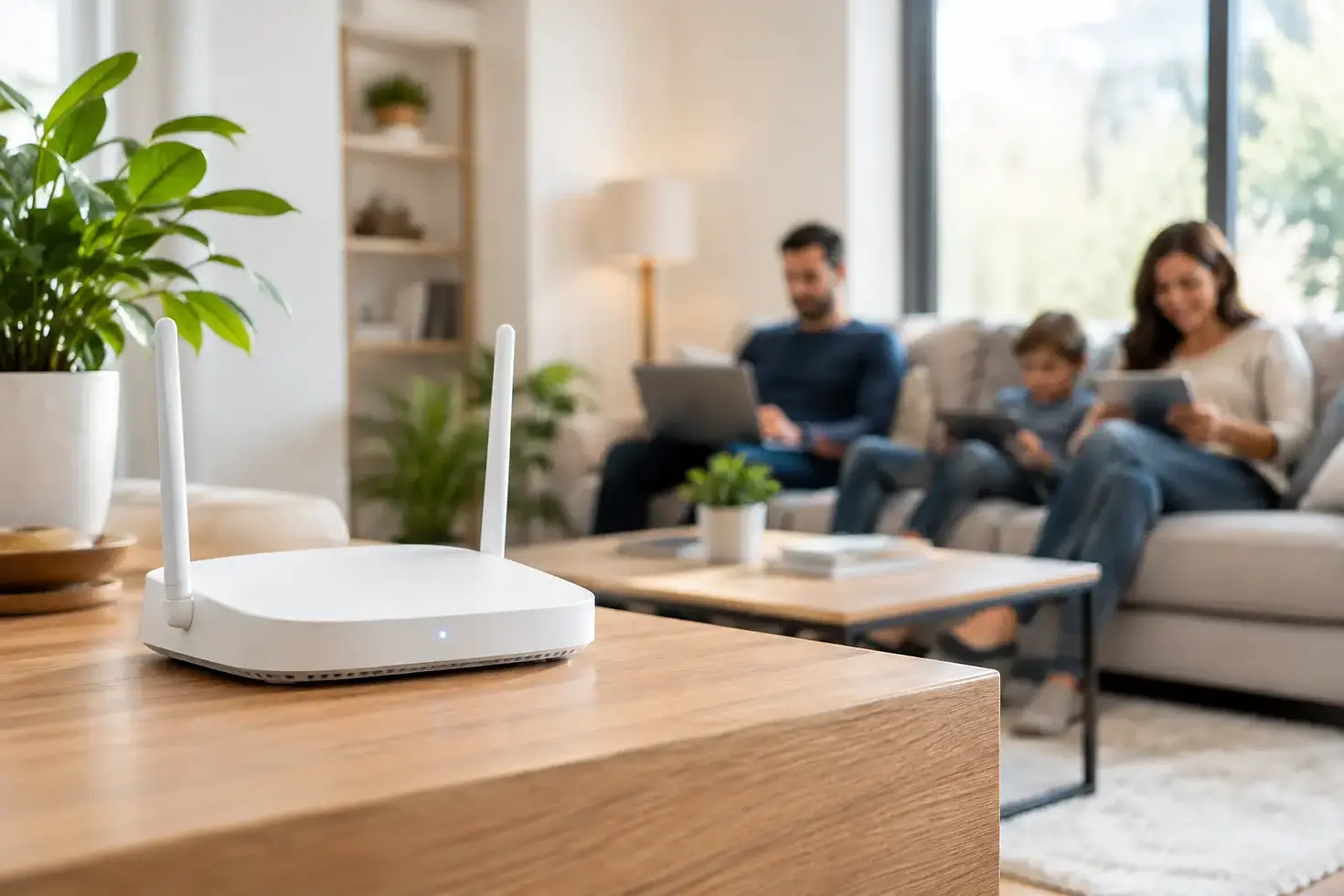
Wireless Access Point Benefits for Your Home
The movie buffers just as the big scene begins. A video call drops when someone walks upstairs. The smart TV in the bedroom will not stay connected, even though the internet works fine in the living room. These are often coverage problems, not internet-service problems. A wireless access point can bring dependable Wi-Fi closer to the rooms, devices, and moments that matter most.
For homeowners who use streaming services, work from home, rely on smart devices, or simply want every room to feel connected, better wireless coverage is a practical upgrade. The right system does more than improve a speed test. It makes the home easier to enjoy.
What Is a Wireless Access Point?
A wireless access point is a device that creates a Wi-Fi connection in a specific part of your home. It connects back to your home network, usually through a wired Ethernet cable, then broadcasts a strong wireless signal for nearby phones, laptops, TVs, gaming consoles, cameras, and smart-home equipment.
Think of your internet service as the water entering the house and your network as the plumbing. A router manages that connection, while an access point helps deliver it to places where the signal would otherwise be weak. In a larger home, a single router may be asked to push through walls, floors, cabinetry, appliances, and outdoor materials. That is a lot to expect from one device in one location.
An access point is not necessarily something you see sitting on a shelf. Professional installations can place it discreetly on a ceiling, wall, or other planned location. The goal is strong coverage without adding clutter or creating another device for the homeowner to manage.
Why One Router Is Often Not Enough
Many homes were not designed around modern wireless demands. A centrally located router can serve a compact, open floor plan well, but coverage becomes less predictable when the home has multiple levels, dense walls, long hallways, additions, outdoor entertaining spaces, or a detached garage.
The issue may also be the number of connected devices. A household can have several phones, tablets, computers, TVs, speakers, game systems, thermostats, doorbells, cameras, shades, and lighting controls online at the same time. Each device may use only a modest amount of data at certain moments, but together they create a busy network.
A wireless access point helps divide that work across the home. Rather than forcing every device to reach one distant router, devices can connect to a nearby source of Wi-Fi. That can improve consistency in the rooms where coverage has been frustrating.
It does not, however, create more internet speed than your service plan provides. If your internet plan is too limited for your household's needs, an access point will not change that. What it can do is help the speed you already pay for reach more of your home reliably.
Access Points, Mesh Wi-Fi, and Extenders
These terms are often used interchangeably, but they serve different purposes. Choosing the right approach depends on the home, available wiring, and how the network will be used.
A Wi-Fi extender picks up an existing wireless signal and repeats it farther into the home. It can be a simple answer for a small dead zone, but it often has limits. Because it communicates wirelessly with the original router while also serving devices, performance can suffer. Extenders may also create separate network names or require devices to switch connections manually.
Mesh Wi-Fi uses multiple wireless units that work together under one network name. It can be convenient in homes where running a cable is not feasible. Some mesh systems can also use wired connections between units, which is a stronger setup than relying entirely on wireless communication.
A wired access point is typically the preferred choice for a polished, high-performance installation. Each access point has a direct wired path back to the network, allowing it to provide dependable coverage without competing for the same wireless connection. For households with whole-home audio, multiple streaming TVs, security cameras, home offices, or integrated automation, that difference can be meaningful.
The best answer is not always the most expensive one. A smaller home may need only a better router location or one strategically placed access point. A larger or more complex property may benefit from a planned multi-access-point network. A thoughtful assessment prevents both underbuilding and paying for equipment the home does not need.
Where Wireless Access Points Make the Biggest Difference
Access-point placement is one of the most important parts of the project. It is not simply a matter of adding devices until the signal appears stronger. Placement should account for the floor plan, construction materials, network use, and where people actually spend time.
Upstairs bedrooms and home offices are common problem areas, especially when the router is located downstairs near the internet provider's equipment. Media rooms can also demand more from Wi-Fi because 4K streaming, game downloads, receivers, and smart controls may all be active at once. Outdoor patios, pool areas, workshops, and detached garages deserve consideration when they are part of everyday life.
Dense materials can change the plan. Brick, stone, metal, concrete, tile, mirrors, and certain insulation products can weaken wireless signals. An access point placed directly above or beside the problem area may perform far better than one placed at the opposite end of the house, even if both appear equally close on a floor plan.
For a clean finish, equipment can often be positioned away from living areas while still providing excellent coverage. Planning that location before a renovation, new build, home theater installation, or whole-home wiring project creates more options and reduces visible cables later.
Better Wi-Fi Supports the Way You Live
Reliable coverage is about more than browsing on a phone. It supports the small conveniences that make a connected home feel less demanding. A TV starts the show without hesitation. A laptop stays connected through a meeting. Smart lighting responds when needed. A video doorbell sends an alert without long delays.
It also protects the experience of premium entertainment systems. A professionally installed television, surround-sound system, or media room deserves a network that can keep up with the content being delivered. When the network is inconsistent, even excellent AV equipment can feel disappointing.
For families, a well-designed network can support multiple activities at once without constant troubleshooting. One person can be on a work call while another streams in the living room and kids play online upstairs. Results still depend on the internet plan, device quality, and usage at that moment, but a properly designed Wi-Fi system removes a common point of friction.
What Professional Planning Adds
Buying wireless equipment is easy. Designing a network that works consistently throughout a real home is more involved. A professional approach begins with how the home is built and used, not with a box on a store shelf.
The process should consider the location of the internet connection, existing and possible Ethernet wiring, square footage, wall materials, outdoor areas, device count, and future plans. It should also account for equipment that benefits from a wired connection, such as stationary TVs, gaming systems, media servers, and certain cameras. Wiring these devices can reduce wireless congestion and provide a more dependable connection where it matters.
Configuration matters, too. Access points need to work together under a well-managed network, with appropriate settings for coverage, security, and device handoffs. A good installation avoids the familiar frustration of multiple confusing network names, awkward equipment placement, and a homeowner left to reset devices whenever something changes.
ECS Living can incorporate Wi-Fi planning into a broader home technology project, whether that means improving a single trouble spot or preparing an entertainment-ready home with organized wiring and thoughtfully placed equipment. One accountable partner helps keep the result clean, functional, and easier to support.
Signs Your Home May Need an Access Point
You may benefit from an access point if Wi-Fi slows noticeably in specific rooms, devices disconnect when moving through the house, or a smart TV works better only when no one else is online. Other signs include unreliable outdoor coverage, repeated extender problems, and an internet plan that tests well near the router but poorly elsewhere.
Before assuming the solution is new equipment, consider a few basics. A router tucked inside a cabinet, behind a television, or in a far corner of the home starts at a disadvantage. Older routers may also lack the capacity or standards needed for a busy modern household. Still, when coverage problems persist across a larger floor plan, adding properly located access points is often the more lasting answer.
A home network should quietly support the way you work, relax, host, and stay in touch. When Wi-Fi reaches the places where life happens, technology becomes less of a chore and more of a useful part of a comfortable home.


Comments